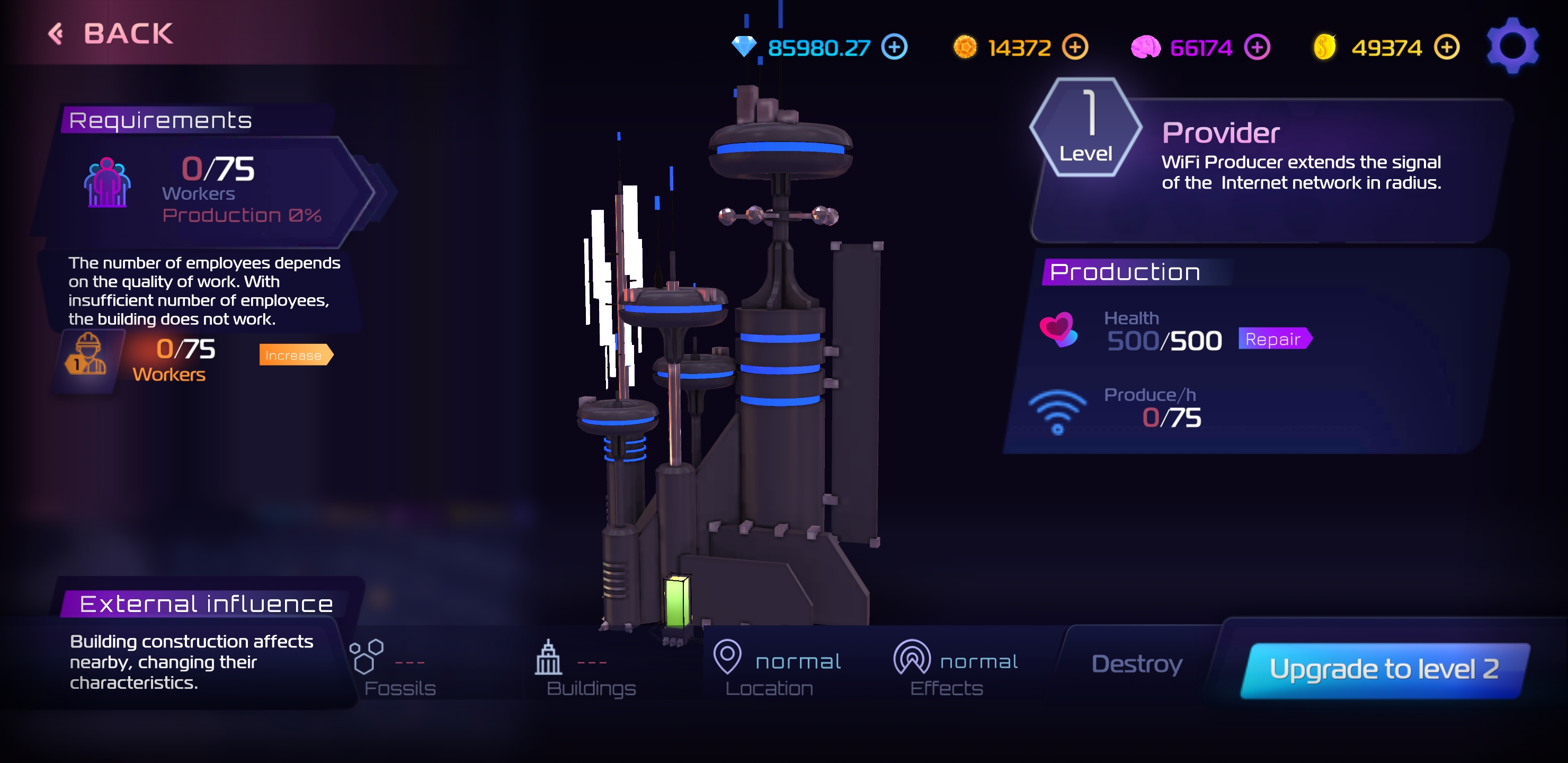
# Wi-Fi
**Types of Buildings for Internet Provision to Mining Farms**
In Hex Planet, ensuring your mining farms have a stable internet connection is crucial for maximizing their productivity. Here are the essential buildings players construct for internet provision:
* **Provider**: This building is essential for the operational efficiency of farms. It consumes manpower from workers in the Production branch, making it vital to have enough workers to maintain its functionality.
* **Router**: Constructed to extend the reach of your Wi-Fi signal, routers are crucial for maintaining strong internet connectivity across your farming operations, ensuring no part of your farm goes offline.
* **Jammer**: This building allows players to strategically slow down the internet speeds of neighboring players. By deploying a Jammer, you can directly impact the progress of nearby competitors without consuming any resources.
* **Firewall**: Built to counteract the effects of Jammers, Firewalls ensure your farm's internet connection remains uninterrupted, safeguarding your productivity against potential disruptions.
To maintain optimal performance, it's important to match the level of these internet-providing buildings with that of your mining farm. This ensures your farm receives sufficient internet bandwidth to operate at peak efficiency. Always consider the strategic placement and upgrading of these buildings to keep your mining operations running smoothly and to stay competitive in the Hex Planet landscape.
{% content-ref url="/pages/U1NSKYdmCzxwxLCTxxmb" %}
[Provider](/hexplanet/wiki/building-constructions/wi-fi/provider.md)
{% endcontent-ref %}
{% content-ref url="/pages/ZICQpmkX3p599P1DAw2n" %}
[Router](/hexplanet/wiki/building-constructions/wi-fi/router.md)
{% endcontent-ref %}
{% content-ref url="/pages/vzBr52KOFInn0hCiX47T" %}
[Jammer](/hexplanet/wiki/building-constructions/wi-fi/jammer.md)
{% endcontent-ref %}
{% content-ref url="/pages/kqVbiaosK1CNFhU0b6xU" %}
[Firewall](/hexplanet/wiki/building-constructions/wi-fi/firewall.md)
{% endcontent-ref %}
---
# Agent Instructions: Querying This Documentation
If you need additional information that is not directly available in this page, you can query the documentation dynamically by asking a question.
Perform an HTTP GET request on the current page URL with the `ask` query parameter:
```
GET https://su0-1.gitbook.io/hexplanet/wiki/building-constructions/wi-fi.md?ask=
```
The question should be specific, self-contained, and written in natural language.
The response will contain a direct answer to the question and relevant excerpts and sources from the documentation.
Use this mechanism when the answer is not explicitly present in the current page, you need clarification or additional context, or you want to retrieve related documentation sections.